HTML Meta Tags Complete Guide: Boost Your SEO Rankings

Many sites lose clicks before visitors ever land on the page. One common culprit: misconfigured (or missing) HTML meta tags—signals in your <head> that influence how pages are displayed in Google and on social platforms.
Key Takeaways
- Keep title tags concise (often ~50–60 characters / ~600 px) to reduce truncation in results
- Meta descriptions act as your search result sales pitch—optimize for action (and accuracy)
- Structured data (Schema) can enable rich results when eligible (ratings, FAQs, breadcrumbs, etc.)
- Missing or duplicate titles/descriptions can reduce relevance and click-through (and make pages harder to differentiate in search)
- Many technical SEO signals are set in the `` (not just in visible page content)
What Are HTML Meta Tags?

HTML meta tags are snippets of code in your website's <head> section that tell browsers, search engines, and social platforms important details about your page. They don’t appear in your visible page content, but they can strongly influence how your site appears in search results and link previews.
Tip: Meta tags live in the <head>, but they work best when they accurately match the page’s on-page content (H1, intro, and main topic). Misleading tags can increase pogo-sticking (users bouncing back to results).
The most critical tags include title tags, meta descriptions, viewport settings, canonical tags, and Open Graph/Twitter tags for sharing. Each serves a specific purpose in your SEO and distribution strategy.
Essential meta tag structure:
<head>
  <title>Your Page Title</title>
  <meta name="description" content="Your page description">
  <meta name="viewport" content="width=device-width, initial-scale=1">
</head>
Core Meta Tags (The Ones You Should Set on Every Page)

Meta Charset
Put this near the top of your <head> to prevent character-encoding issues:
<meta charset="utf-8">
Title Tags
Your title tag is the main clickable headline in search results (Google may rewrite it in some cases). Keep it concise to reduce truncation (often ~50–60 characters / ~600 px). Put the primary topic/keyword early if it reads naturally.
Common formats:
Primary Topic | Brand NameOutcome/Benefit + Topic | BrandTopic: Specific Angle or Use Case | Brand
Meta Descriptions
These summaries often appear below your title in search results (Google may rewrite them). Aim for ~150–160 characters as a practical guideline, but prioritize clarity over hitting an exact number.
Write them like compelling ad copy:
- Say what the page is
- Highlight a clear benefit or outcome
- Add a specific call-to-action (CTA)
- Keep them unique per page
(If you want deeper guidance, see: https://nomely.ai/blog/meta-description-best-practices)
Viewport Meta Tag
Essential for mobile responsiveness:
<meta name="viewport" content="width=device-width, initial-scale=1">
Without proper viewport settings, mobile users may see a desktop layout squeezed into a phone screen, leading to bounces.
Meta Robots (Indexing Control)
Use this when you need to control indexing for a specific page (don’t add noindex by accident):
<meta name="robots" content="index,follow">
Common values: noindex, nofollow, noarchive, nosnippet.
Advanced Tags & Markup (Better Snippets, Cleaner Indexing)

Open Graph Tags
Control how your content appears when shared on social platforms. Include og:title, og:description, og:image, and og:url for clean previews.
Example:
<meta property="og:title" content="Your Page Title">
<meta property="og:description" content="Compelling description">
<meta property="og:image" content="https://yoursite.com/image.jpg">
<meta property="og:url" content="https://yoursite.com/page">
Twitter Card Tags
If your pages get shared on X (Twitter), add Twitter tags (often mirroring Open Graph):
<meta name="twitter:card" content="summary_large_image">
<meta name="twitter:title" content="Your Page Title">
<meta name="twitter:description" content="Compelling description">
<meta name="twitter:image" content="https://yoursite.com/image.jpg">
Canonical Tags
Prevent duplicate content confusion with:
<link rel="canonical" href="https://yoursite.com/preferred-url">
This indicates your preferred URL when multiple versions of a page exist (parameters, tracking URLs, near-duplicates, etc.).
Hreflang (Multilingual / Multi-Region Sites)
If you serve multiple languages/regions, use hreflang to help Google show the right version:
<link rel="alternate" hreflang="en" href="https://example.com/en/page">
<link rel="alternate" hreflang="es" href="https://example.com/es/page">
(VERIFY: Your locale + URL mapping before deploying sitewide.)
Schema Markup (Structured Data)
Structured data helps search engines understand your content and can enable rich results when your page is eligible. Common types include Article, Product, FAQ, Review, BreadcrumbList, and LocalBusiness.
Tools like Nomely’s Meta Tag Generator can help you generate copy/paste-ready tags (title, description, Open Graph, and more) without hand-writing every variant.
Meta Tag Optimization Framework (Audit → Rewrite → Measure)
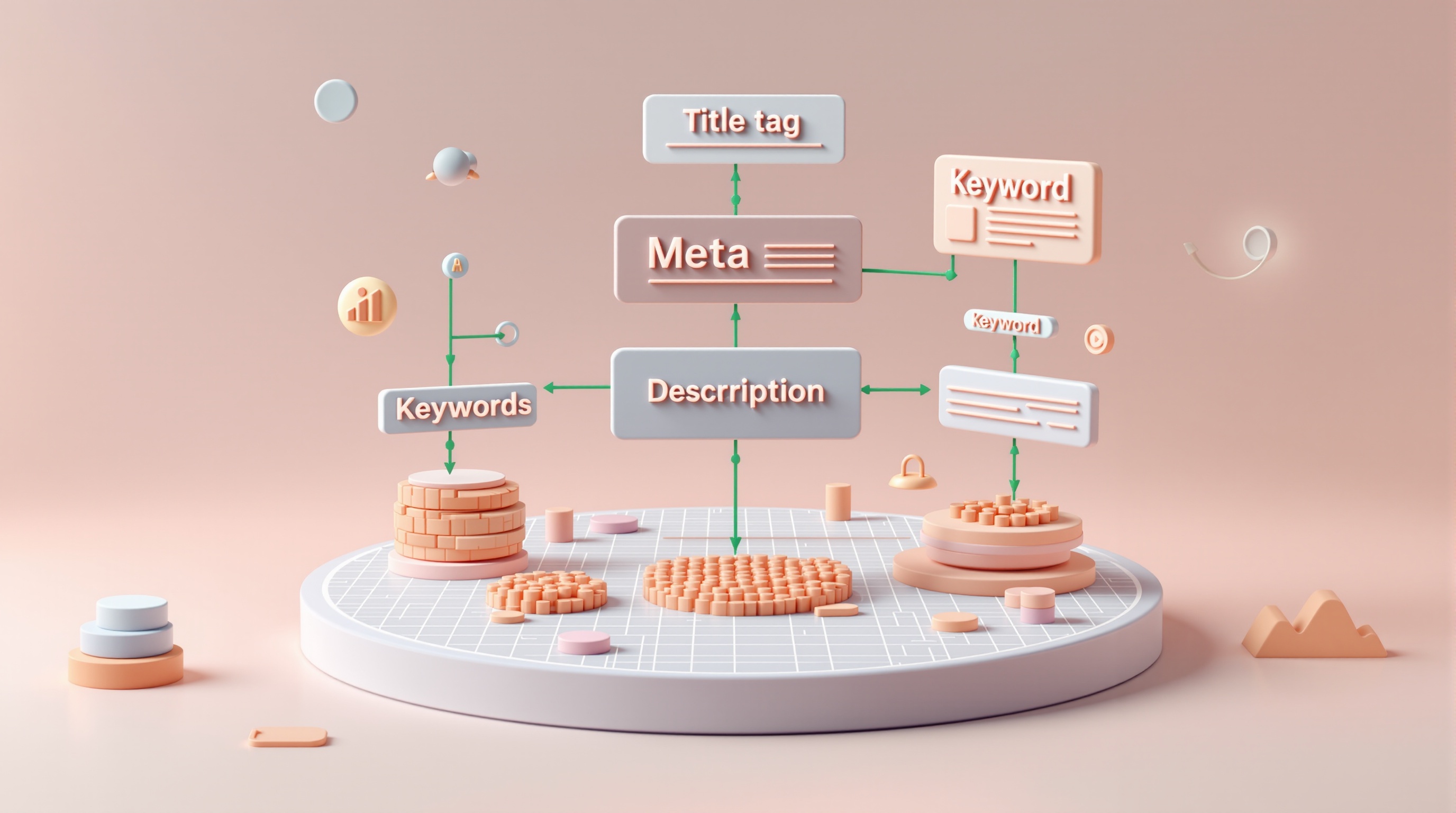
The 3-Step Validation Process:
Step 1: Audit Current Tags
Use Google Search Console to spot pages with weak performance and then audit titles/descriptions for duplication, truncation, or mismatch with intent. Also check for missing canonical tags on pages that can be accessed via multiple URLs.
Step 2: Keyword + Intent Alignment
Place the primary topic early in the title when it reads naturally (avoid awkward, front-loaded keyword stuffing). Ensure the description matches the query intent:
- Informational: “Learn how to…”
- Commercial: “Compare options…”
- Transactional: “Get pricing / book a demo…”
Step 3: Measure Impact
After updates, monitor click-through rate (CTR), average position, and impressions in Search Console. Test description variants over time by updating, then monitoring CTR and average position in Search Console (true A/B testing is limited in organic SERPs).
Best practice: Optimize your top landing pages first (often your top 10–20 URLs by impressions), because that’s where snippet improvements move the needle fastest.
Quick optimization checklist:
- ✅ Concise, specific title tags (avoid truncation)
- ✅ Unique meta descriptions per indexable page
- ✅ Viewport tag for mobile
- ✅ Open Graph + Twitter tags for social sharing
- ✅ Canonical tags where duplicates/parameters exist
- ✅ Robots meta only when you intentionally need it
Common Meta Tag Mistakes to Avoid

Duplicate Titles/Descriptions
Using the same title or description across multiple pages makes it harder for search engines (and users) to distinguish which page is the best match. Each indexable page should have a unique, accurate snippet.
Keyword Stuffing
Cramming multiple keywords into titles/descriptions hurts readability and can reduce clicks. In extreme cases, spammy patterns may be ignored or rewritten by search engines—write for humans first.
Missing Mobile Optimization
Forgetting the viewport meta tag can create poor mobile experiences. With mobile-first indexing, mobile UX issues can affect performance broadly.
Generic Descriptions
Descriptions like “Welcome to our website” waste valuable SERP space. Be specific: who it’s for, what it does, and what to do next.
Ignoring Truncation
Long titles/descriptions can be truncated, cutting off the value prop. Keep the most important meaning near the start.
Tools and Testing for Meta Tag Success
Google Search Console
Monitor how your pages perform in real results. Use the Performance report to see which queries/pages have high impressions but low CTR—often a sign your title/description needs work.
Browser Developer Tools
Press F12 (or right-click → Inspect) to view the <head> and confirm the tags you think are live are actually being served.
Meta Tag Preview/Debuggers
Test social previews before publishing:
- Facebook Sharing Debugger (Open Graph)
- X (Twitter) Card Validator (Twitter tags)
SERP Preview Tools
Use a snippet preview tool to sanity-check truncation and readability, but treat it as an approximation—Google’s display can vary by device and query.
Copy/Paste: A Solid Meta Tag Template
Use this as a starting point, then customize per page:
<head>
  <meta charset="utf-8">
  <meta name="viewport" content="width=device-width, initial-scale=1">

  <title>Primary Topic Benefit | Brand</title>
  <meta name="description" content="One clear benefit + what the page contains + who it’s for. Keep it accurate.">
  <link rel="canonical" href="https://example.com/preferred-url">

  <meta name="robots" content="index,follow">

  <!-- Open Graph -->
  <meta property="og:type" content="website">
  <meta property="og:title" content="Primary Topic Benefit | Brand">
  <meta property="og:description" content="Compelling summary for social previews.">
  <meta property="og:url" content="https://example.com/preferred-url">
  <meta property="og:image" content="https://example.com/og-image.jpg">

  <!-- Twitter -->
  <meta name="twitter:card" content="summary_large_image">
  <meta name="twitter:title" content="Primary Topic Benefit | Brand">
  <meta name="twitter:description" content="Compelling summary for social previews.">
  <meta name="twitter:image" content="https://example.com/og-image.jpg">
</head>
Start with your homepage and top landing pages, then roll improvements across templates (category pages, product pages, blog posts). If you want a fast way to draft clean titles, descriptions, and social preview tags, use Nomely’s Meta Tag Generator and customize each page for accuracy.
---