Best AI Logo Generators 2026: Top Tools for Instant Branding
Most startups don't fail because of bad products. They fail because they never launch. And one of the biggest silent killers? Visual branding paralysis—spending weeks on a logo that still looks unprofessional.
Key Takeaways
- Start with AI generators for rapid concept exploration, not final perfection
- Combine multiple tools to cover different style needs (minimalist vs. detailed)
- Test logo readability at small sizes before committing to any design
- Export vector formats immediately to avoid pixelation issues later
- Speed comes from structured testing, not skipping quality checks
The AI logo generation landscape has transformed dramatically in recent years. What once required expensive designers or hours of DIY frustration now takes minutes. But with dozens of tools claiming to be "the best," choosing the right one depends on your specific needs, budget, and brand vision.
Top AI Logo Generators for 2026
Looka (Formerly Logojoy)
Best for: Small businesses, e-commerce brands
Strength: Creates professional logos that don't immediately appear AI-generated
Limitation: Limited customization after initial generation
Looka uses advanced machine learning to analyze professional logos and brand elements. You input your company name, industry, and style preferences, then receive dozens of tailored options within seconds.
The tool excels at color psychology and typography pairing. Unlike basic generators that simply combine text with generic icons, Looka considers visual hierarchy and brand positioning. Their algorithm takes into account industry standards—a fintech logo typically looks appropriately trustworthy while a creative agency logo often feels more experimental.
One dev tools founder reportedly used Looka to generate 50 logo variations in under 10 minutes, finding a clean, scalable design that worked well across their documentation and GitHub repository.
Brandmark
Best for: Tech startups, SaaS companies
Strength: Sophisticated icon generation and brand package creation
Limitation: Higher learning curve for non-designers
Brandmark stands out for its comprehensive brand package approach. Beyond logos, it generates business card designs, social media templates, and brand guidelines. This integrated approach can save considerable additional design work.
The tool's AI appears particularly well-suited for modern tech company aesthetics. It creates logos that feel contemporary without being overly trendy—important for startups that need longevity.
Their vector export quality is typically high-quality, helping ensure logos scale properly from favicon size to larger applications.
Canva Logo Maker
Best for: Content creators, small service businesses
Strength: Intuitive interface with extensive customization options
Limitation: Can produce generic-looking results without careful selection
Canva's AI logo generator benefits from their extensive design template database. The tool suggests layouts based on existing designs while allowing extensive post-generation editing.
The real advantage is integration with Canva's broader ecosystem. Once you have a logo, you can immediately create matching social media graphics, presentations, and marketing materials using the same design elements.
For quick iteration and testing multiple concepts, Canva's speed and flexibility make it a popular choice for early-stage validation.
Hype4
Best for: Bold, creative brands
Strength: Unique artistic styles and creative typography
Limitation: Less suitable for conservative industries
Hype4's AI specializes in contemporary, artistic logo designs that stand out in crowded markets. Their algorithm appears to draw from modern design movements and street art aesthetics.
This tool works particularly well for consumer brands, creative agencies, and companies targeting younger demographics. The generated logos often feel more hand-crafted than algorithmic.
However, the bold aesthetic may not suit professional services or B2B companies requiring more conservative branding.
Essential Features to Evaluate
Vector Format Export
Always verify that your chosen tool exports true vector formats (SVG, AI, EPS). Raster formats like PNG become pixelated when scaled up for print materials or large displays.
Vector logos maintain crisp edges at any size and allow for easy color modifications later. This flexibility becomes crucial as your brand evolves across different applications.
Commercial Usage Rights
Most AI logo generators include commercial usage rights, but always verify the license terms. Some tools may require attribution or have restrictions on trademark registration. For specific legal questions about trademark registration, consult with an intellectual property attorney.
Premium plans typically include full commercial rights and trademark-ready files. For serious businesses, this investment often pays for itself by avoiding potential legal complications later.
Brand Package Completeness
The best AI generators provide more than just a logo file. Look for tools that include:
- Multiple file formats and sizes
- Color variations (full color, black, white, single color)
- Typography recommendations
- Basic brand guidelines
- Social media profile templates
This comprehensive approach helps ensure brand consistency across all touchpoints from day one.
Quick Logo Validation Checklist
Before finalizing any AI-generated logo, run through this essential checklist:
- ✅ Readable at 16x16 pixel favicon size
- ✅ Works in black and white (for print applications)
- ✅ Scales clearly to larger dimensions
- ✅ Doesn't rely on fine details that disappear when small
- ✅ Appropriate for your industry's professional standards
Common AI Logo Mistakes

Over-Customization
AI generators often work best when you trust their initial algorithmic decisions about color harmony and typography pairing. Excessive tweaking can sometimes make logos look less professional, not more.
Industry Misalignment
A playful, colorful logo might work for a children's app but could damage credibility for a financial services firm. Always consider your audience's expectations and industry standards.
Complexity Addiction
AI tools can generate intricate designs, but the best logos typically remain simple. Complex designs often fail at small sizes and can become expensive to reproduce across different media.
The most successful logos generated by AI follow the same principles as professionally designed ones: simplicity, memorability, and scalability.
Speed vs. Quality Balance
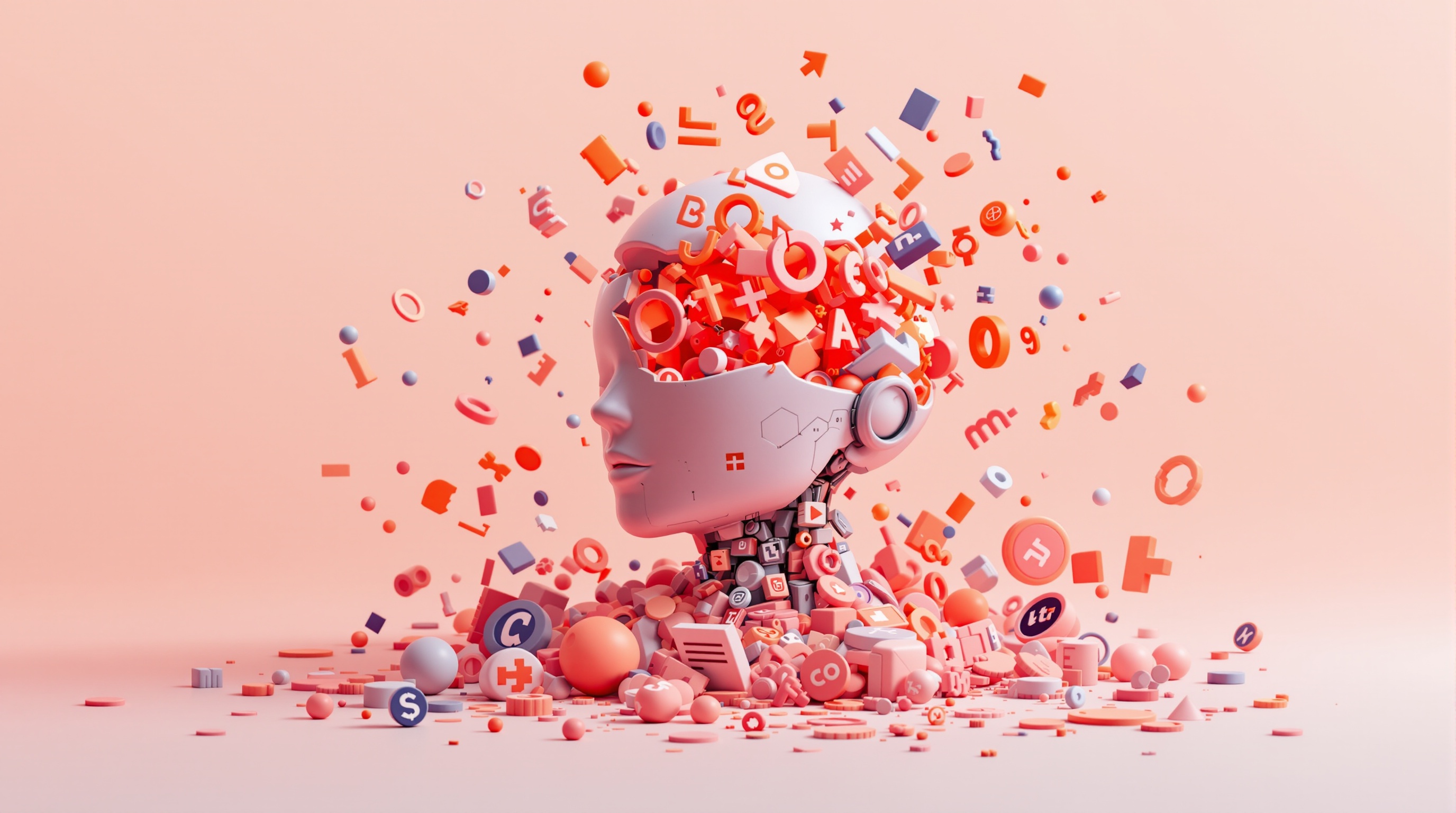
AI logo generation excels at rapid concept exploration, though final refinement may still benefit from professional input. The key is using these tools strategically within a structured process.
Speed does not mean skipping validation. It means avoiding creative paralysis while following a fast, structured evaluation process. This approach helps ensure you move quickly without sacrificing professional standards.
Start by generating 20-30 options across 2-3 different AI tools. This variety prevents you from settling for the first decent option. Export your top 5 candidates and test them across different contexts—business cards, website headers, social media profiles.
For comprehensive brand validation including domain and social handle availability, Nomely's Logo Text Generator lets you test logo concepts alongside name availability in one workflow.
Moving Forward with AI-Generated Branding
AI logo generators have democratized access to professional-quality design, but success still requires strategic thinking about brand positioning and audience needs.
Start by testing multiple tools to understand their different aesthetic strengths. Generate options quickly, but evaluate them systematically against real-world usage requirements.
The goal isn't finding the "perfect" AI tool—it's using these powerful generators to create professional branding that launches your business forward instead of holding it back.
Tools like Nomely's Logo Text Generator streamline this process by combining logo generation with practical business validation steps. This integrated approach helps you move from concept to launch faster while maintaining professional standards.